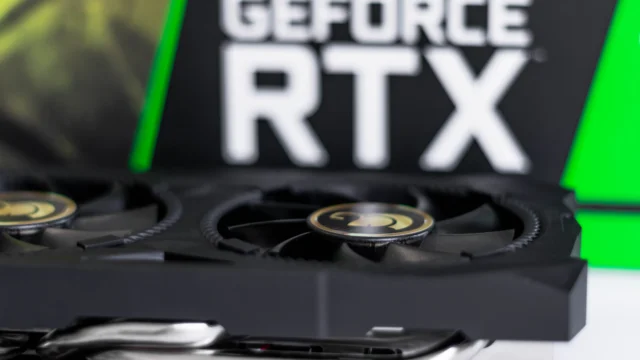
PC Black Screens, Driver Timeouts and Crashes: A Troubleshooting Order That Makes Sense
A practical order for diagnosing black screens, GPU driver timeouts and game crashes without changing ten things at once.
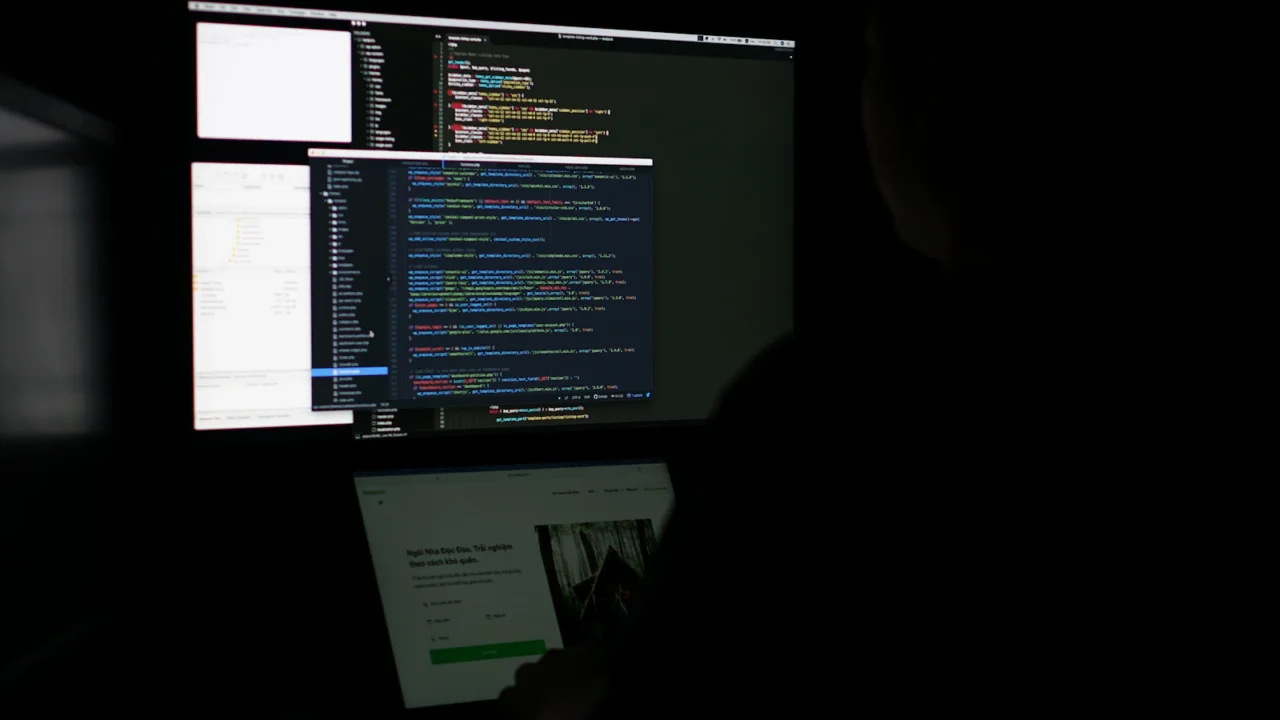
Black screens, driver timeouts and random game crashes can look like the same problem even when the causes are completely different. The fastest route is usually not to reinstall everything. It is to change one variable at a time.
1. Establish what actually fails
Write down the game, driver version, Windows update state, whether the PC reboots, and whether the failure also happens outside the game. A single-game crash points you in a different direction from a whole-system black screen.
2. Return tuning to stock
AMD’s system-stability guidance specifically calls out unstable overclocking and overheating. Temporarily remove GPU, CPU and RAM overclocks or undervolts.
3. Check temperatures and power
Watch CPU and GPU temperatures under the workload that normally fails. Confirm fans and pumps are working. Verify that the power supply and connectors match the GPU maker’s recommendation.
4. Check whether the driver issue is known
Read the release notes for the driver you installed. AMD recommends using a documented workaround if the issue is known, or reverting to the last driver version where the problem did not exist when no fix is available.
5. Only then consider a clean driver reinstall
If the symptoms started after a driver change or the installation appears corrupted, use a normal uninstall first. AMD’s Cleanup Utility is the heavier option when you need to remove old AMD graphics and audio driver components.
6. Separate Windows problems from hardware problems
If multiple unrelated applications fail, Windows system files, memory instability, storage errors or power delivery move higher on the list. If only one title fails, verify its files and check the developer’s known issues first.
What not to do
- Do not change driver, BIOS, RAM timings and Windows settings all at once.
- Do not assume every black screen is a GPU failure.
- Do not keep an unstable overclock active while troubleshooting.
- Do not install random third-party driver packages.